A lead-generation website should help a suitable customer decide whether to contact you. That does not mean adding a button to every section or promising that design alone produces sales. It means answering the questions that prevent a useful conversation.
Make the offer understandable
State the service, who it is for and where it is available. Explain what is included and when a different solution may be more appropriate. An enquiry is more useful when both sides understand the likely scope.
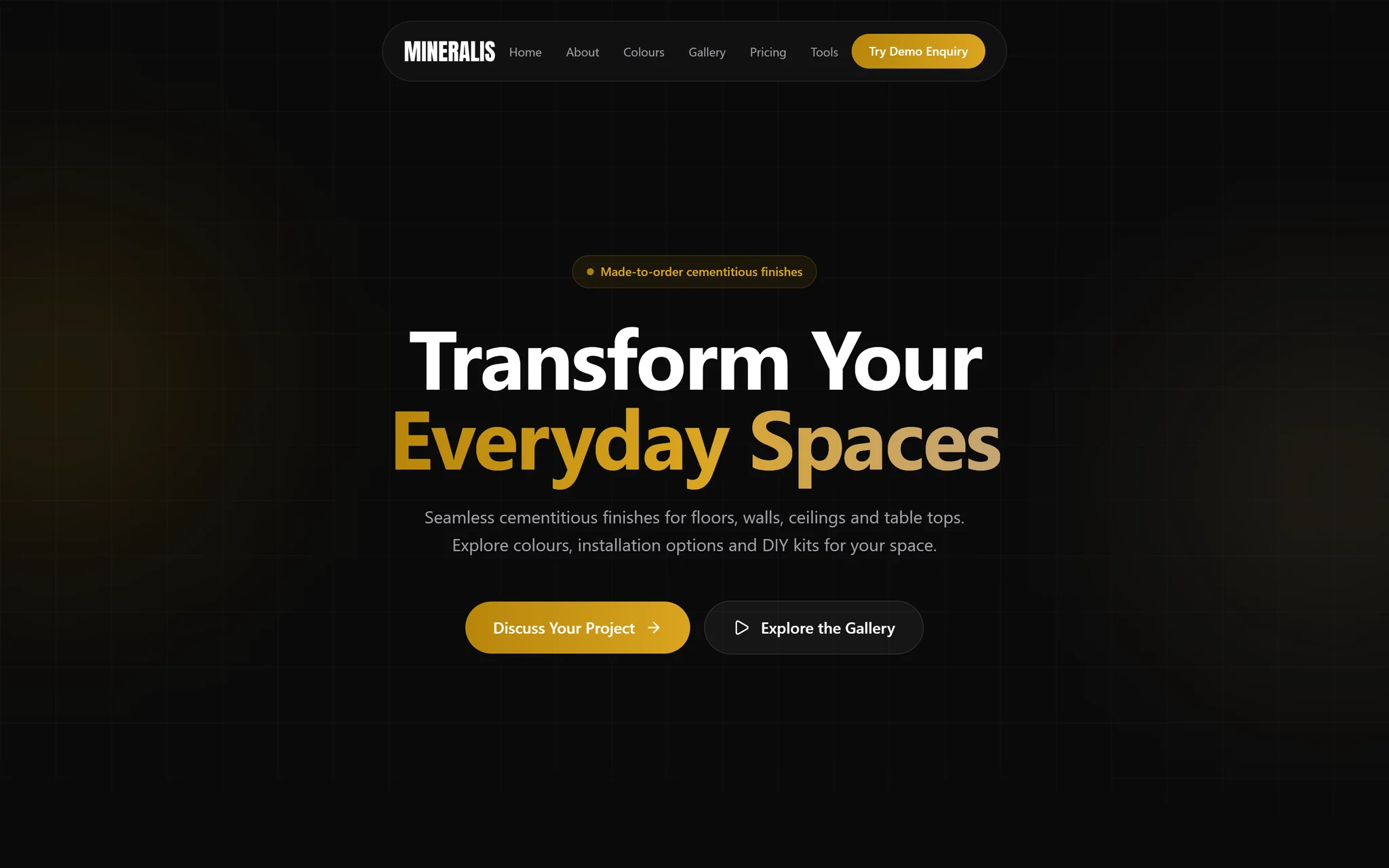
Follow that explanation with evidence relevant to the offer. A service example should describe the actual work, not only display a logo. The Mineralis concept interface study illustrates a product-and-enquiry presentation; its screenshots are design evidence, not proof of measured revenue improvement.
Ask only what you need next
A first-contact form often needs a name, reply address and short description of the goal. Budget or service selections can help qualification when clearly optional. Do not request identity documents, payment details or confidential operational records in a general website form.
Give fields visible labels and meaningful validation. Keep a person's message intact after an error. Include direct email, phone or WhatsApp alternatives so a failed integration does not become a dead end.
Trace one enquiry on a phone
On Pixaloom, the practical journey starts with the service and location, then gives visitors a choice of viewing work, checking a planning budget or contacting Cameron. The cost estimator and contact page serve different decisions: a visitor comparing scope should not have to send a message just to find the starting range.
Use this acceptance checklist for your own website:
- Read the first screen without scrolling. Can you identify the service and who it helps?
- Follow a relevant project link. Does it explain what was delivered and distinguish a concept from client work?
- Open WhatsApp on a phone and check the destination and prefilled text before sending. A click alone is not evidence that a message was sent.
- Try the form with missing required fields. The errors should explain what to correct without deleting the message.
- Agree a test with the receiving person, submit once and confirm arrival. Record the result separately from genuine enquiries.
- Simulate a delivery failure in a test environment. Preserve the draft and offer another contact route.
Do not hide your only contact button behind a long animation or make an optional budget answer compulsory. When clicks are low, improve the offer and visibility of the action. When clicks exist but messages do not arrive, investigate the delivery path before buying more traffic.
Test the complete delivery path
Test an authorized enquiry from submission through the email provider to the receiving inbox. A successful HTTP response can mean the provider accepted a message; it does not prove the recipient read it. Monitor provider failures without recording message contents in general application logs.
Separate your measurements:
- A contact click signals intent, not a delivered enquiry.
- A provider-accepted message is not necessarily a qualified lead.
- Qualification and project wins require a separate business record.
Before changing the layout, record where enquiries originate and why unsuitable leads are unsuitable. Improve the offer or form around that evidence. Our website design service combines the content, interface and delivery checks; the cost estimator helps you prepare a realistic initial brief.