
Illumi
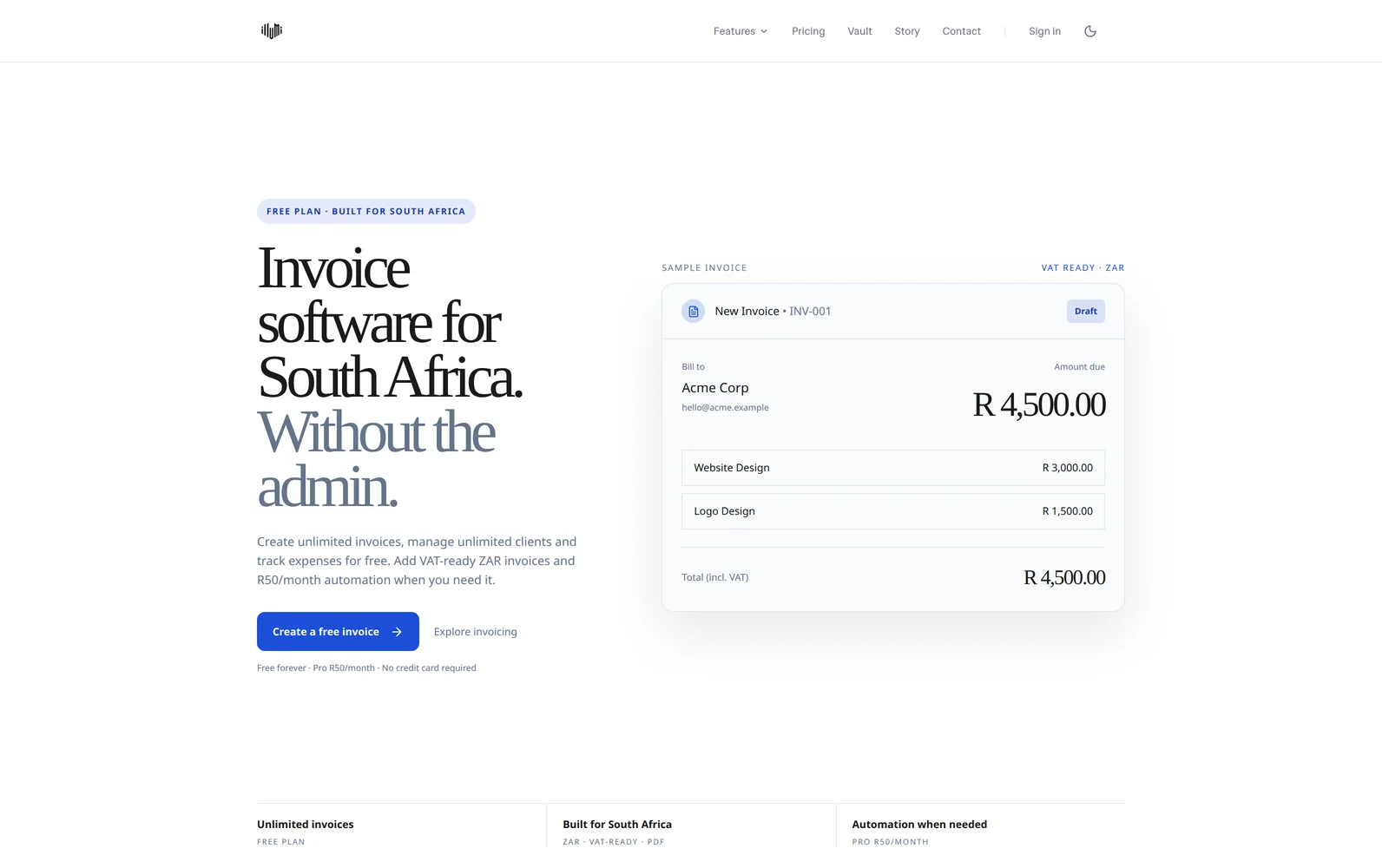
An invoicing and business-management application using Next.js and Supabase. The public study shows application scope and interfaces; it does not document a Lovable or Bolt rescue or certify its current security.
Examine the projectAI app rescue · Authentication and saved records
A sign-in screen can look complete while the actual user journey fails. Pixaloom assesses Supabase-backed applications where redirects, sessions or data permissions interrupt the task. Start with the failing journey and an agreed test, rather than another broad rewrite.
Request a login/data diagnosis Prepare your project briefPixaloom · Based in George, working with South African businesses. Updated .
01 · Plan the work
First establish where the failure occurs. Does the user never reach the app, return successfully but lose the session, or stay signed in while a record cannot be read or saved? Capture the expected action and what actually happens with a test account. An empty screen alone does not identify the cause.
Lovable can use its managed Cloud backend or a separately connected Supabase project. Identify which your app uses before looking for settings in the wrong dashboard. Bolt projects also need their actual backend identified. The builder name is context, not a diagnosis or evidence that the platform caused the fault.
02 · Plan the work
Supabase distinguishes the default Site URL from allowed redirect destinations. A production password-reset or sign-in journey can fail if configuration still targets a local or preview address. Check the requested return path against the approved production configuration; do not solve a mismatch by permitting every destination.
Our investigation follows registration or sign-in through the return to the intended screen, then a refresh and sign-out. Password reset is a separate journey. Use controlled accounts and redacted errors; callback links may contain sensitive tokens and should not be pasted into an enquiry.
03 · Plan the work
A successful login does not establish that database permissions are correct. For an agreed record type, we inspect the request and ownership rules, then test authorised and unauthorised access. Row Level Security policies and application checks have distinct roles. Disabling protections to make a save button work is not an acceptable repair.
An acceptance example: test account A creates and updates its own record; account B cannot access it; a signed-out visitor cannot retrieve it; a denied request produces a useful error. The exact rules depend on your product. Shared records or staff roles need different explicit tests.
We preserve the change history and agree a recovery path before altering policies or data. Work is performed within authorised access. A targeted permissions repair is not a comprehensive security audit, incident-response service or compliance certification.
| Observed symptom | Evidence to collect safely | Agreed test |
|---|---|---|
| Returned to a local or preview address | The redacted destination and expected production path | Sign-in and reset return to the approved page |
| Signed in until a refresh | The action sequence and redacted error | The authorised session survives the agreed navigation |
| Signed in, but a save is denied | The record type and intended owner/role | Allowed saves succeed and prohibited access fails |
| Another account can see the record | A controlled reproduction using synthetic data | Access rules tested for both accounts and signed-out use |
The free initial review establishes suitability and a next step. Paid work follows the existing rescue packages and a written scope. A single redirect fault and a multi-role data-model repair are different jobs. Data migration, broader security review and unrelated features need separate agreement. Private invitations are arranged after scoping; never send passwords, service-role keys, session tokens or customer records through the public form.
Review rescue packages and termsRelevant Pixaloom work
These are archived project studies, not measured sales, ranking or rescue outcomes. External websites can change after the captured work.
An invoicing and business-management application using Next.js and Supabase. The public study shows application scope and interfaces; it does not document a Lovable or Bolt rescue or certify its current security.
Examine the projectAn actionable starting point
Mark what you have checked to prepare a useful project brief. Your selections stay on this page until you leave or reload; this tool does not submit an enquiry or inspect your website.
No. The focus is the actual Supabase-backed workflow. We assess suitable Lovable, Bolt and custom React/Next.js projects after identifying the code and backend access available. No platform partnership is implied.
Do not remove access protections on live customer data as a workaround. Reproduce the issue with authorised test data and review the intended permissions before changing a policy.
A public app URL if available, the builder/backend you use, the failing action and expected behaviour. Redact screenshots and errors. We arrange safe access later if the project is suitable.