
NORDflam SA
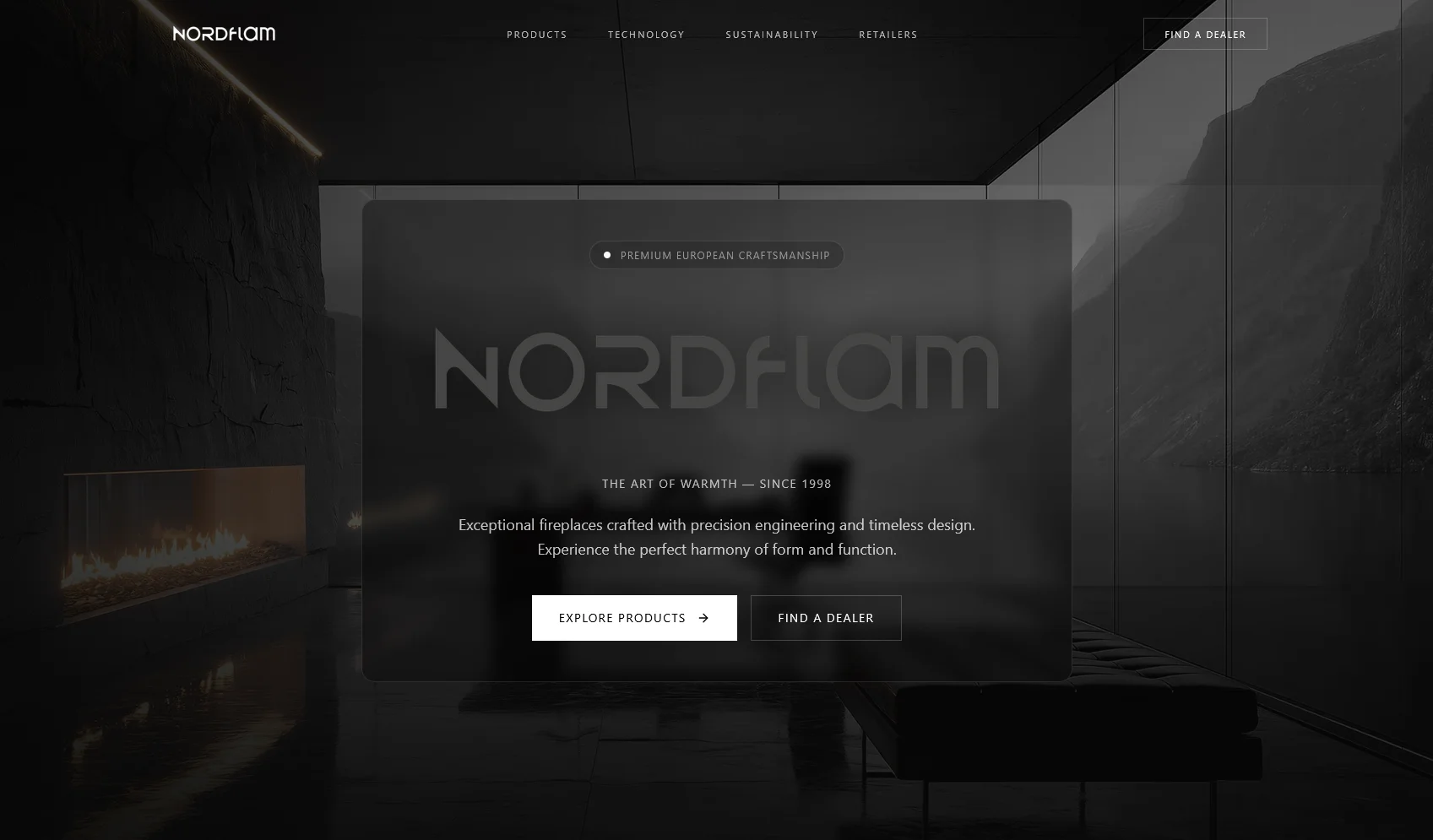
Saved interface captures show fireplace discovery, model information and product categories. Use the study to discuss a specification-led range and the next buyer action.
Examine the projectFor equipment suppliers, importers and distributor teams
When customers need specifications, advice or a dealer before they buy, the website has a different job from a standard online shop. Pixaloom designs product discovery and enquiry journeys for South African suppliers, with the product model and handover agreed before development.
Discuss your catalogue Prepare your project briefPixaloom · Based in George, working with South African businesses. Updated .
01 · Plan the work
A fireplace range, a 3D printer range and a consumable-parts range do not need the same category structure. We review representative products with your team: how buyers describe them, which specifications decide suitability, what changes between models and who answers a product enquiry.
If installation, application advice or location changes the final quotation, an enquiry or dealer handoff may suit the range. If a buyer can choose a variant, see a reliable price and complete an order, checkout may be appropriate. A mixed range can use both journeys, with their boundaries clearly labelled.
02 · Plan the work
Bring a small sample containing your simplest product, a complex variant and a discontinued item. We map stable identifiers, category names, specification labels and units, image rights, document versions and the source of each field. This exposes missing information before a full import becomes a development problem.
Product pages should answer application and compatibility questions using information your business approves. Specifications need consistent units; downloads need identifiable versions. Related products and replacement models need deliberate links. An enquiry should retain the product reference so staff can respond without reconstructing what the visitor viewed.
We agree who can edit the catalogue and how changes are reviewed. A bulk spreadsheet import, editorial screen, live stock feed and ERP connection are separate decisions. A catalogue does not imply live inventory or automated quotation calculation.
03 · Plan the work
Useful category and product pages need stable addresses, descriptive links and distinct approved content. We plan which filter combinations deserve their own pages and which remain browsing controls. A migration starts with useful existing URLs and a redirect map, rather than discarding old product links.
Testing follows a buyer from a mobile category page to a product specification and the agreed enquiry destination. We also test a missing document, a retired product and delivery failures. Search visibility is measured after launch; neither product markup nor a catalogue redesign guarantees Google rankings.
| Buyer needs | Website journey | Sign-off evidence |
|---|---|---|
| Advice on a technical model | Specifications and a product-specific enquiry | The model reference reaches the receiving team |
| A supplier or installer nearby | Product discovery followed by a dealer handoff | Approved dealer details and working contact links |
| A fixed-price repeat purchase | Variants, cart and hosted checkout | Order, failure and notification journeys tested |
| Negotiated prices or stock feeds | A separately scoped trade or integration workflow | Data ownership, permissions and failure handling agreed |
Catalogue work is quoted after reviewing the sample data and sales journey. The written scope names product templates, import work, editing tools and acceptance checks. Checkout, ERP synchronisation, automated quotes, photography and recurring software are included only when explicitly agreed. Existing ecommerce planning allowances cover a different scope and are not a fixed catalogue price.
Compare with a checkout storeRelevant Pixaloom work
These are archived project studies, not measured sales, ranking or rescue outcomes. External websites can change after the captured work.
Saved interface captures show fireplace discovery, model information and product categories. Use the study to discuss a specification-led range and the next buyer action.
Examine the project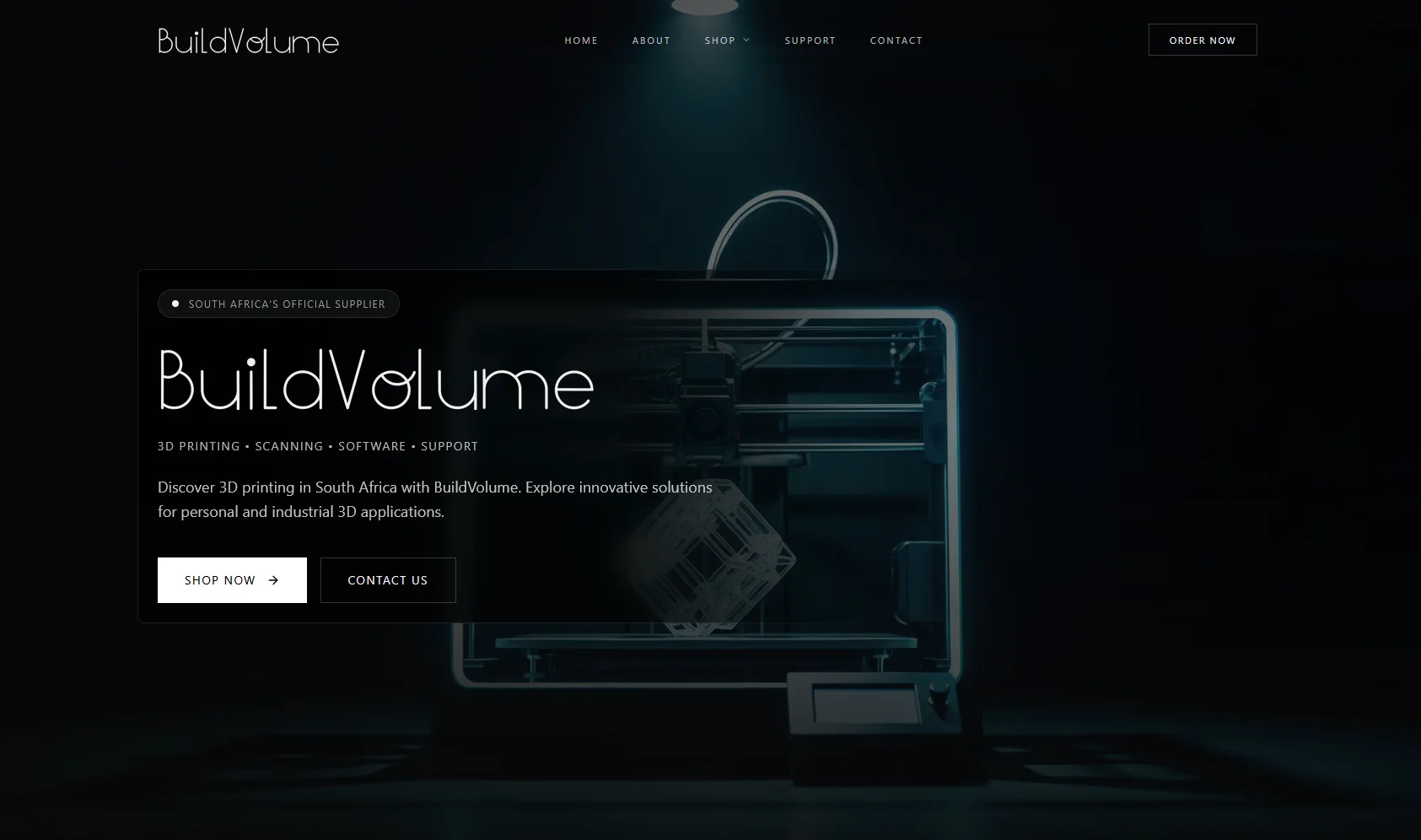
Saved captures show printer brands, product grids and customer-support routes. Relevant to organising an equipment range with supporting information.
Examine the projectAn actionable starting point
Mark what you have checked to prepare a useful project brief. Your selections stay on this page until you leave or reload; this tool does not submit an enquiry or inspect your website.
Yes, where that matches your sales process. The page can explain specifications and how to request a quotation. We will not invent prices or stock status to populate search markup.
This focus suits technical ranges where model differences, application questions and a sales handoff matter. The sample-data review establishes whether that approach fits your range.
We first inventory the useful URLs. Retained addresses and approved redirects are part of migration planning; a new layout does not require changing every URL.